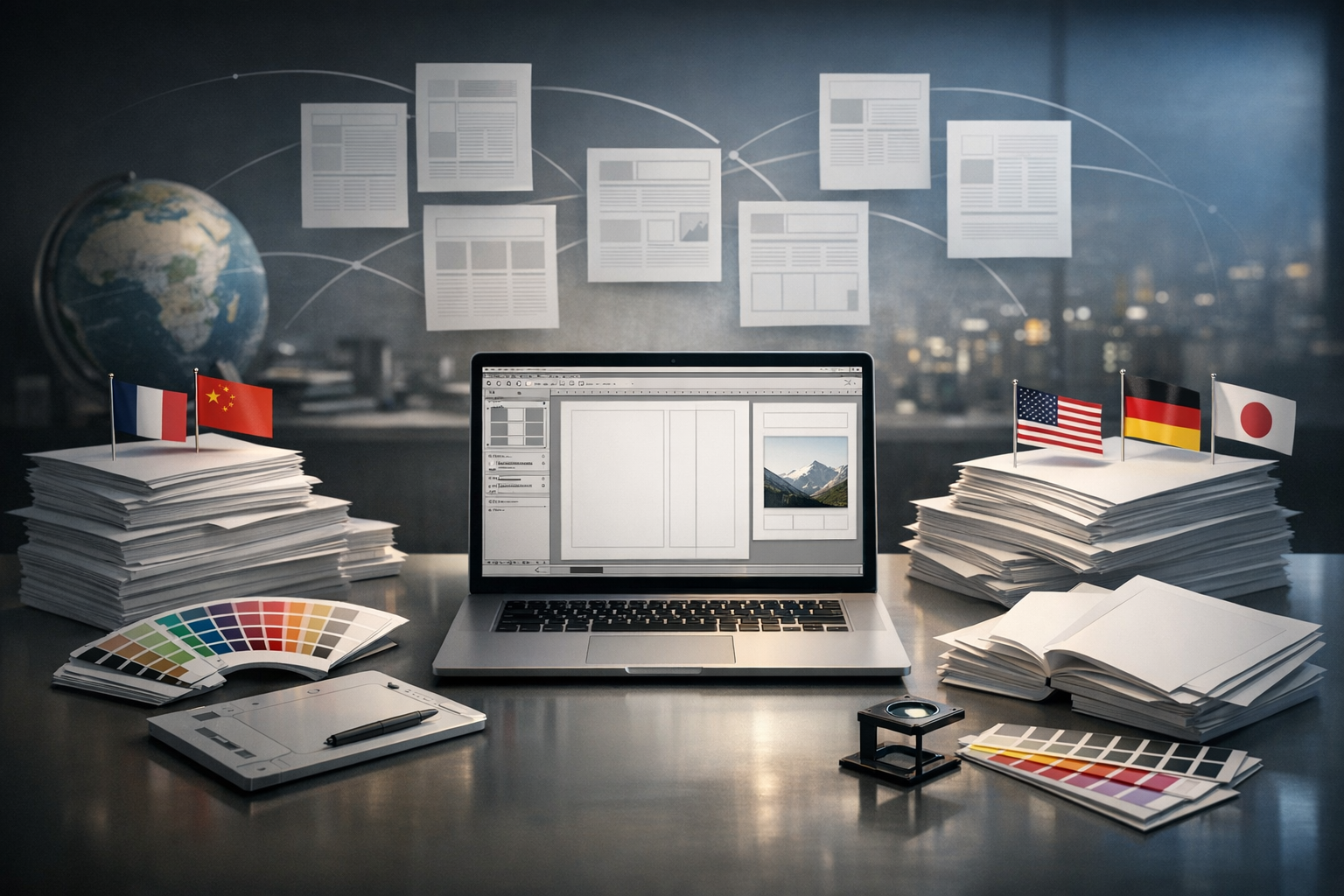
Designing documents for global audiences is no longer just about translating words. It is about coordinating fonts, layouts, images, and technical formats so that every version of a document looks native to its readers. When companies produce manuals, marketing brochures, product catalogs, or training materials in multiple languages, they quickly discover that visual consistency is as critical as linguistic accuracy.
1. Aligning Language, Layout, and Branding
Multilingual document design must balance three forces: language rules, layout constraints, and brand identity. Each language has its own text length, reading direction, punctuation, and hyphenation patterns. At the same time, brand teams demand strict adherence to visual guidelines, including typography, spacing, and imagery. Desktop publishing bridges these requirements, ensuring that translated content fits perfectly into existing templates without diluting brand recognition.
2. Handling Text Expansion and Contraction
Most translated content does not match the length of the source. German and Russian often expand significantly compared to English, while Chinese or Turkish may take up less or more space depending on context. Skilled desktop publishing specialists anticipate these changes, adjusting columns, line spacing, margins, and font sizes so that pages remain balanced and readable in every language.
3. Working with a Specialized Localization Partner
High-quality multilingual design rarely happens in isolation. It is typically the outcome of close collaboration between translators, localization engineers, and design professionals. Choosing a regionally experienced provider, such as a Turkish localization company, can be crucial for projects that involve culturally specific content, regulatory requirements, or complex technical documentation.
4. Adapting Layouts for Right-to-Left and Complex Scripts
Languages such as Arabic, Hebrew, and Persian read right to left, which influences the entire page structure. Page numbers, tables, navigation menus, and even icons may need to be mirrored to feel natural to native readers. For complex scripts like Thai or Devanagari, line breaks and ligatures must be handled carefully to prevent broken characters or awkward spacing. Desktop publishing ensures that these scripts render accurately across all document formats.
5. Choosing Appropriate Fonts and Typography
Not all fonts support every language or writing system. Using an incompatible font can lead to missing characters, empty squares, or inconsistent styles between language versions. Professional multilingual document design involves selecting font families with broad Unicode coverage, matching weights and styles, and adjusting kerning and leading for each script to maintain visual harmony.
6. Maintaining Visual Hierarchy Across Languages
Headlines, subheadings, body text, captions, and callouts must work together to guide the reader. When content is translated, line length, word count, and emphasis may shift. Desktop publishing professionals restructure hierarchies so that key messages remain prominent, white space is preserved, and the document remains scannable, whether it is in English, Turkish, Japanese, or any other language.
7. Localizing Images, Icons, and Graphics
Text is only part of communication. Infographics, charts, screenshots, and diagrams often contain language-dependent labels or culturally specific visuals. For multilingual output, these graphics need to be edited, relabeled, or replaced. Aligning localized texts with arrows, shapes, and legends requires precise layout adjustments so that visuals look original rather than retrofitted.
8. Managing Hyphenation, Line Breaks, and Justification
Different languages follow different rules for hyphenation and line breaks. Incorrect breaks can produce confusion or even change meaning. Desktop publishing tools can be configured with language-specific dictionaries and hyphenation rules. Designers then fine-tune justification settings to avoid rivers of white space, awkward orphan lines, or cramped paragraphs in any language version.
9. Preparing Files for Print and Digital Outputs
Multilingual documents often need to work in multiple formats: print-ready PDFs, interactive manuals, web pages, and e-learning modules. Each medium has its own resolution, color profile, and accessibility requirements. Desktop publishing ensures that each localized version meets the technical specifications of printers, online platforms, or content management systems without losing layout integrity.
10. Ensuring Consistent Terminology and Styles
Beyond the visual layer, terminology, numbering, and formatting must stay consistent throughout all language variants. Style guides, glossaries, and reference templates help keep headings, bullets, callout boxes, and tables aligned. When desktop publishing is integrated with translation memories and localization workflows, each update to the source document can be mirrored efficiently across all languages.
11. Optimizing Multilingual PDFs for Accessibility
Accessible documents must include tags, reading order, alt text for images, and searchable text in all languages. Desktop publishing teams can structure multilingual PDFs so that assistive technologies, such as screen readers, interpret them correctly. This involves careful tagging of headings, lists, and tables, as well as ensuring that non-Latin scripts remain fully searchable and selectable.
12. Streamlining Revision and Version Management
Global companies frequently update their materials due to new regulations, product changes, or marketing campaigns. Without proper desktop publishing workflows, making small edits across many language versions becomes time-consuming and error-prone. Centralized templates, version control, and synchronized style sheets make it feasible to update dozens of multilingual files while preserving design fidelity.
Conclusion: Turning Translated Content into Native-Looking Documents
For organizations that operate across borders, multilingual document design is a strategic capability, not a cosmetic add-on. By integrating language expertise with advanced desktop publishing, businesses can deliver manuals, marketing assets, and corporate communications that feel fully native in every market they serve. The result is improved comprehension, stronger brand alignment, and a smoother experience for international customers and partners.