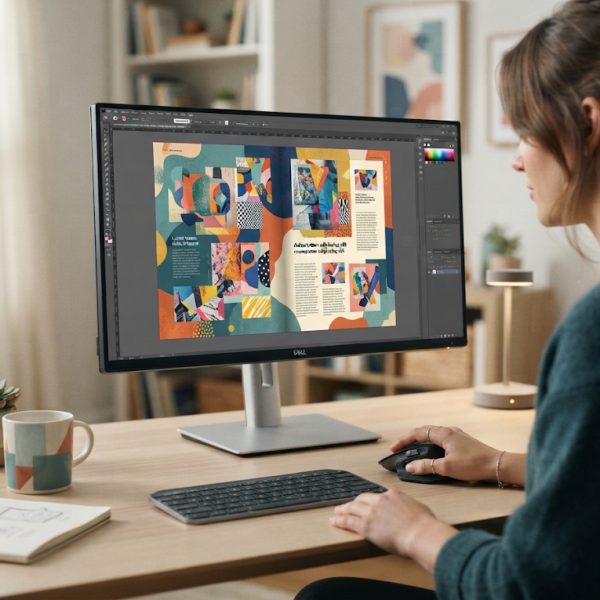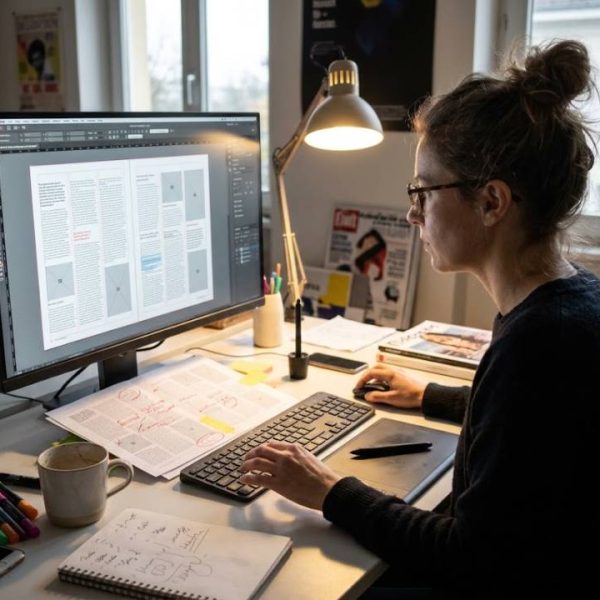
Translating a Word document is one thing. Translating a designed brochure, catalogue or annual report is another. Once text lives inside a carefully built layout, every new language can push words out of boxes, break lines in odd places and spoil the look that took weeks to create.
This guide explains how to plan InDesign translation so the final files look as polished in every language as they do in the original.
Start by preparing the source file
A clean file saves time and cost. Before sending anything for translation, check that text is placed in proper frames, that styles are used consistently and that nothing important is hidden on the pasteboard or in layers.
Text that is typed into images or outlined as shapes cannot be translated, so keep every word editable.
Gather all linked images and fonts into a package. Missing fonts and broken links are the most common reasons a file stalls on the first day.
Plan for text expansion
Languages rarely take the same space as English. German and Finnish often run thirty percent longer, French and Spanish usually grow by fifteen to twenty-five percent, while Chinese and Japanese can be shorter but need different line spacing.
Leave breathing room in your design. Buttons, captions, tables and headlines need flexible boxes, or you will end up cutting content to fit.
For marketing material headed to German-speaking buyers, specialist German translation services that handle layout together with language prevent the long compound words from spoiling your grid.
Choose the right fonts for each language
Not every typeface supports every alphabet. Accents, umlauts, Cyrillic, Greek, Arabic and Asian scripts all need fonts with full coverage.
Select families that offer matching styles across scripts so that headings, body text and captions feel consistent. Test special characters early rather than at proof stage.
Right-to-left languages such as Arabic and Hebrew need mirrored layouts, including page order, alignment and sometimes images.
Use a workflow that protects the design
There are two main methods. In the first, a translator works with exported text and returns a file, and a designer places it back. In the second, translation happens directly inside a tool connected to the layout.
The second method reduces copy-paste errors and keeps styles intact. Either way, agree on file formats, naming and review steps before the work starts.
Translation memory helps with repeated phrases, such as legal notes and product names, and keeps wording consistent across catalogues.
Handle numbers, dates and units
Formats change from market to market. Dates, decimal separators, currency symbols and measurement units must follow local conventions, or readers will doubt your accuracy.
Check images with text, charts and infographics too. Labels inside graphics are often forgotten until the last minute.
A perfectly translated paragraph still fails if the chart beside it is left in the old language.
Proof in the final layout
Always review the translated file as a finished page, not as a text list. Look for widows, orphans, awkward line breaks, overlapping text and missing characters.
Ask a native speaker to read the proofs. They will notice hyphenation errors and stiff phrasing that a designer might miss.
The W3C Internationalization resources offer helpful background on scripts, text direction and language handling that apply to print and digital work alike.
Keep business documents consistent
Many companies produce brochures, price lists, contracts and manuals together. If each one is translated by a different supplier, terms drift and the brand loses clarity.
This article on business document translation services shows how to coordinate such projects so that names, terms and tone stay aligned.
Manage time and cost
Layout work adds time for typesetting and proofing. Build a schedule that includes translation, placement, review and corrections, and avoid squeezing it into the last days before printing.
Ask for a quote that separates language work from design work. That makes it easier to compare options and to reuse parts of the job for later editions.
Common mistakes to avoid
One frequent mistake is translating directly in the layout without a separate text review. Another is sending a file with overset text, which hides content that never gets translated.
Teams also forget to update master pages, headers, footers and running titles. These small elements appear on every page, so one missed word multiplies quickly.
Finally, avoid last-minute copy changes after proofing. Every edit in the source language means rework in every target language.
Freeze the source text before translation begins, and your timeline will thank you.
Reuse your work for future editions
Store translation memories, glossaries and approved layouts. When the next catalogue arrives, only new or changed text needs attention, which lowers cost and speeds up delivery.
A practical checklist
Package the file, define the languages, check fonts, leave room for expansion, share a glossary, agree on the workflow and plan a proof round. With these steps, your multilingual publication will look as intentional in every language as it does in the original.