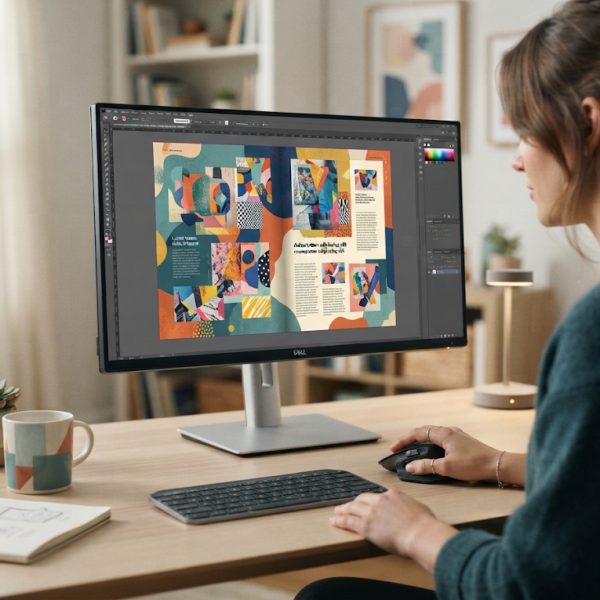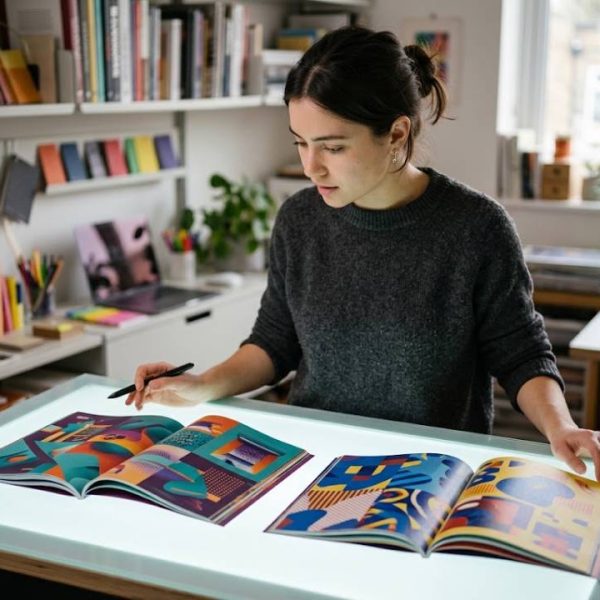
In today’s global marketplace, design teams are expected to deliver pixel-perfect layouts across dozens of languages, scripts, and formats. Yet multilingual desktop publishing (DTP) is full of hidden traps: truncated text, broken line breaks, misaligned columns, or even unreadable characters can all destroy the impact of your carefully crafted design. Modern DTP tools are stepping up to meet this challenge, helping designers, translators, and localization managers prevent multilingual text design errors before they reach your audience.
1. Automatic Script and Font Detection
DTP tools streamline formatting, but complex technical translation services require human expertise for accuracy. Engineering drawings, manuals, and specifications demand precise terminology and layout preservation. Professional translators ensure technical documents retain both meaning and visual integrity.
One of the biggest sources of multilingual design errors is incorrect font support. Traditional workflows often forced designers to manually guess which fonts could correctly display Cyrillic, Arabic, Hebrew, or Asian scripts. New DTP tools now include automatic script and font detection, instantly alerting you if your chosen typeface lacks the necessary glyphs for a given language. This prevents the dreaded “tofu boxes” (empty squares) and character substitution that silently corrupts your message.
These tools can also recommend alternative fonts optimized for specific scripts. For instance, when you create a layout in Ukrainian or Russian, the software can propose fonts with proper Cyrillic support and hinting. This intelligent pairing ensures text remains both legible and visually consistent across all markets you target.
2. Integrated Translation and Layout Checks
Modern localization workflows increasingly connect translation systems with DTP platforms. When content is translated, the updated text can be placed directly into the layout with minimal manual intervention. This integration allows automated checks for text overflow, line breaks, and style consistency, reducing the risk of broken paragraphs or misaligned columns in multilingual documents.
When you work with professional language providers that use these tools, such as those offering ukrainian translation services, the translators, proofreaders, and DTP specialists can collaborate inside a controlled environment. As a result, the design stays faithful to your original concept while the text remains accurate, culturally appropriate, and visually clean in every language.
3. Intelligent Text Expansion and Contraction Handling
Different languages require very different amounts of space to express the same message. A concise English sentence might expand by 20 to 40 percent when translated into German, Spanish, or Ukrainian. If you rely on fixed text boxes and rigid column widths, you will likely end up with text clipping, unexpected line breaks, or overlapping design elements.
New DTP tools incorporate intelligent text expansion previews and dynamic frames. Designers can simulate how much the text might grow or shrink for each target language, then adapt the layout accordingly. Auto-resizing text frames, flexible grids, and responsive style sheets mean your design remains robust even when the word count changes dramatically between locales.
4. Bidirectional and Complex Script Support
Multilingual projects often include right-to-left (RTL) languages such as Arabic, Hebrew, or Farsi alongside left-to-right (LTR) languages like English, French, or Ukrainian. Handling bidirectional text in legacy systems was notoriously error-prone. Paragraph directions, punctuation placement, and mixed-language segments frequently broke, generating confusing or unreadable content.
Modern DTP software now offers native support for RTL languages and complex scripts. Designers can set directionality at the paragraph or even character level, ensuring that headings, bullet-like markers, and inline numerals all display correctly. These features dramatically reduce the risk of alignment issues, misplaced punctuation, or reversed sentence structures in multilingual layouts.
5. Style Synchronization Across Languages
Ensuring consistent branding across languages is crucial. Fonts, colors, spacing, and heading levels must remain coherent whether your document appears in English, Ukrainian, or Japanese. In older workflows, designers manually copied and adjusted styles for each language version of a brochure, catalog, or report, which often led to inconsistencies and visual errors.
New-generation DTP tools allow centralized style definitions that propagate across every language variant of a document. When you update a heading style in the master file, it automatically adjusts in all localized versions while respecting language-specific tweaks (such as line spacing or hyphenation rules). This guarantees brand consistency and helps prevent mismatched fonts, incorrect spacing, and unaligned elements.
Layout errors are easiest to avoid when the source text was written with expansion in mind rather than fitted tightly to a design. Writers who understand that constraint save an enormous amount of downstream correction work. It is one of the less obvious benefits of using professional article writing services.
6. Advanced Hyphenation and Line-Break Control
Poor hyphenation and awkward line breaks can make a beautifully designed page look amateurish and even change the meaning of sentences. In multilingual projects, relying on manual hyphenation is impractical and error-prone. Each language has its own rules for syllable breaks, acceptable line endings, and punctuation placement.
Modern DTP tools incorporate language-specific hyphenation dictionaries and sophisticated line-break algorithms. Designers simply specify the language of each text frame, and the software automatically applies the correct rules. In languages with non-Latin scripts, such as Chinese or Japanese, tools understand character groupings and word boundaries, preventing unsightly breaks that confuse readers.
7. Built-In Preflight Checks for Multilingual Assets
Preflight checks are like a safety net for your designs. New DTP solutions extend preflight capabilities to multilingual issues, scanning entire documents for missing fonts, overset text, unresolved language tags, or incorrect character encodings. Before exporting a file to PDF or sending it to print, the system flags potential multilingual layout problems in a clear, actionable report.
This preflight step catches the most common multilingual design errors at a stage when they are still easy to correct. Instead of discovering clipped text in a printed catalog or corrupted characters in a digital brochure, you correct these issues in the DTP environment, saving time, money, and your reputation in international markets.
8. Collaborative Workflows Between Designers and Linguists
Successful multilingual design requires constant communication between designers and language professionals. New DTP and localization platforms are built with collaboration in mind. Cloud-based document storage, real-time commenting, and shared style libraries ensure that translators, editors, and designers can work on the same files without overwriting each other’s changes.
Linguists can flag context issues, suggest layout-friendly wording, and verify that line breaks do not affect clarity, while designers can quickly adjust spacing or font sizes in response. This tight feedback loop greatly reduces the risk of layout errors that stem from miscommunication or isolated workflows.
Smarter Tools, Fewer Multilingual Design Mistakes
Multilingual DTP is no longer a niche requirement reserved for large corporations. Any brand aiming to build a global presence must ensure that its marketing materials, product documentation, and digital assets are visually consistent and linguistically correct across all target markets. New DTP tools play a critical role in this process by automating complex checks, supporting diverse scripts, and making collaboration between designers and linguists seamless.
By taking advantage of advanced script detection, automated layout checks, intelligent text expansion handling, and multilingual preflight tools, organizations can dramatically reduce the risk of text design errors. Combined with expert language services, this technology-driven approach guarantees that every localized document you publish looks as professional and polished as the original, no matter how many languages you support.